> For the complete documentation index, see [llms.txt](https://docs.statuspal.io/llms.txt). Markdown versions of documentation pages are available by appending `.md` to page URLs; this page is available as [Markdown](https://docs.statuspal.io/next/welcome.md).
# Welcome
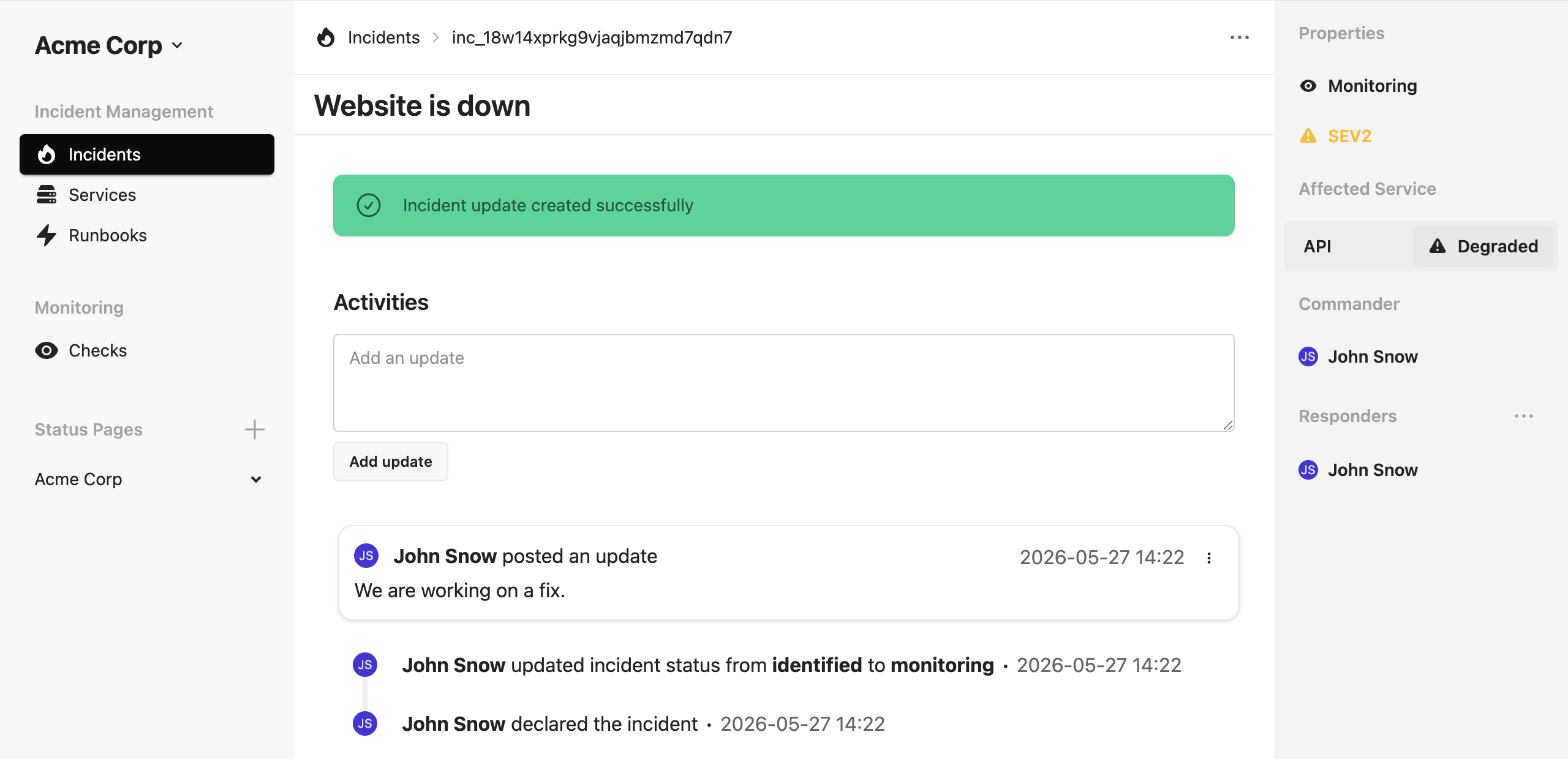
StatusPal Next helps your team monitor your infrastructure, respond to incidents, and communicate service health — all in one place.
Three modules work together to cover the full lifecycle:
* **Monitoring** — run automated health checks and trigger incidents automatically when something fails.
* **Incident Management** — coordinate your team's internal response with Slack channels, runbooks, and role assignments.
* **Status Pages** — publish a public or private status page so customers and stakeholders always know what's happening.
Start with the [Start Guide](/next/start-guide.md) to get your first status page up and choose which modules to enable.